vue-particles的简单使用
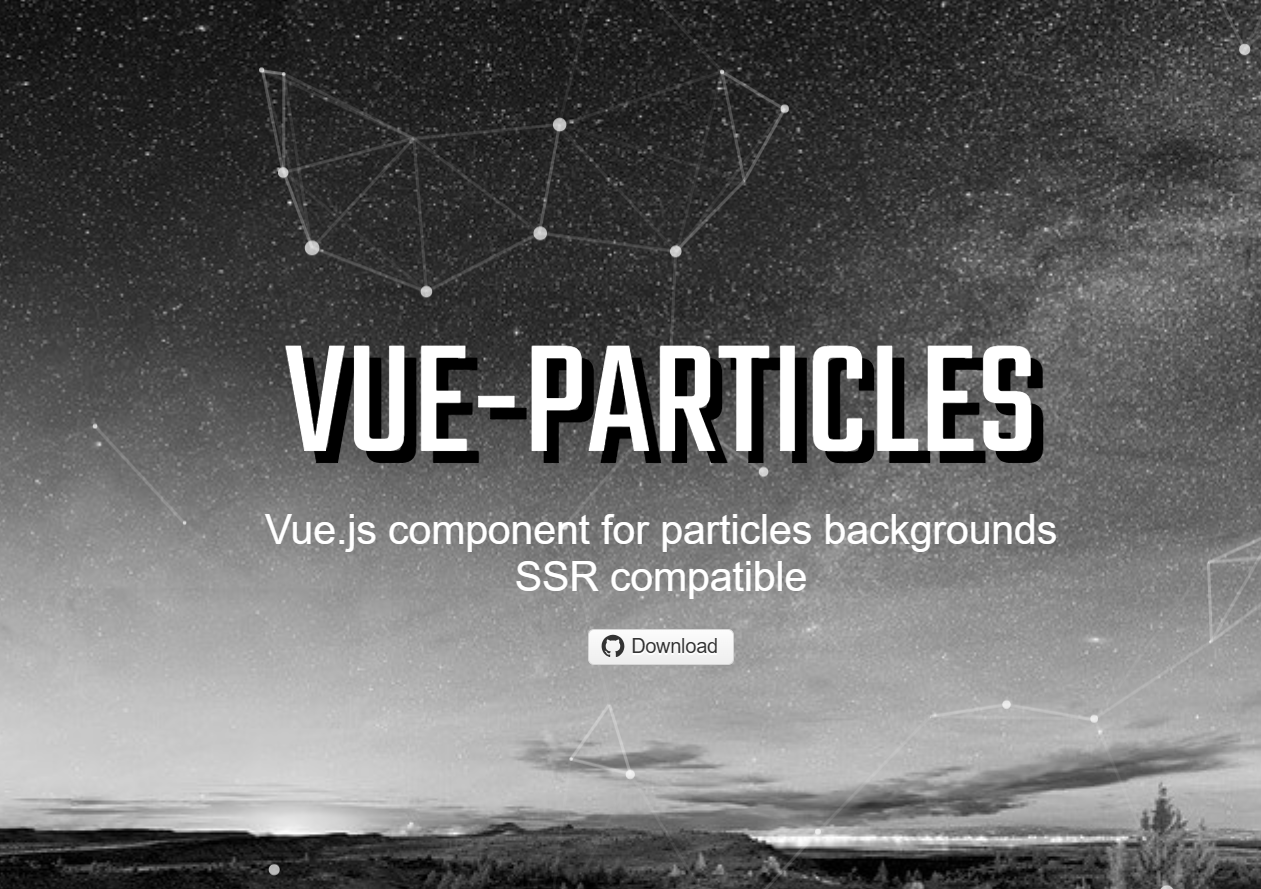
vue-particles
1 | 这个组件用来当背景,十分炫酷好用于是于此乎这里加上一点点简单的使用教程 |
之后就可以在main.js中引用组件了
1 | import Vue from 'vue' |
| Name | Type | Default | Description |
|---|---|---|---|
| color | String | #dedede | Particle color |
| particleOpacity | Number | 0.7 | Particle opacity |
| particlesNumber | Number | 80 | Amount of particles |
| shapeType | String | “circle” | Available shape types: “circle”,”edge”,”triangle”, “polygon”,”star” |
| particleSize | Number | 4 | Size of single particle |
| linesColor | String | #dedede | Lines color |
| linesWidth | Number | 1 | Lines width |
| lineLinked | Boolean | true | Enable lines |
| lineOpacity | Number | 0.4 | Line opacity |
| linesDistance | Number | 150 | Lines distance |
| moveSpeed | Number | 3 | Particles speed |
| hoverEffect | Boolean | true | Enable hover effect |
| hoverMode | String | grab | Available hover modes: “grab”, “repulse”, “bubble” |
| clickEffect | Boolean | true | Enable click effect |
| clickMode | String | push | Available click modes: “push”, “remove”, “repulse”, “bubble” |
1 | <template> |
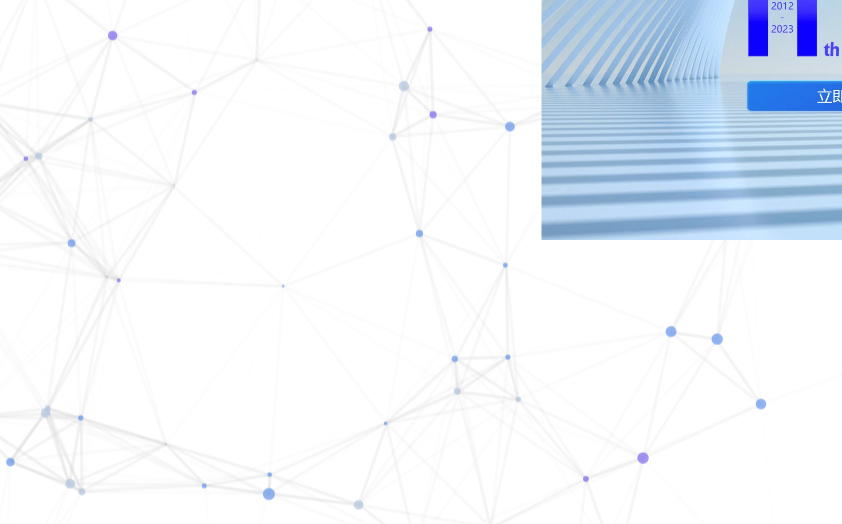
就可以了,效果如图所示
https://tangriweili.github.io/2024/03/04/vue-particles%E7%9A%84%E7%AE%80%E5%8D%95%E4%BD%BF%E7%94%A8/
本博客所有文章除特别声明外,均采用 CC BY-NC-SA 4.0 许可协议。转载请注明来自 Tangriweili!